Windows Live Mail to Mac Converter to Convert EML to MBOX!
Convert emails from Windows to Mac using Windows Mail to Mac Mail converter.
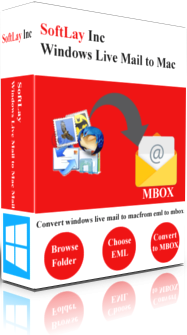
- Perform Windows Live Mail to Mac conversion
- Software never change folder and its sub-folder structure
- Support multiple email clients which supports EML file
- Converts EML files into MBOX file of Mac, Thunderbird, Entourage, Pocomail, Bat, Webmail, Spicebird, Seamonkey and many other email clients.
- Software can select multiple folders together
- Attachment will convert during the email conversion.
Download Demo Now
For Windows 10/8.1/8/7/Vista/XP Available at $29.00
Order & get full-featured software


SoftLay Windows Live Mail to Mac converter is an EML to MBOX converter that successfully convert Windows Live Mail/Windows Mail/Outlook Express emails to Mac Mail. The tool is specially designed for Mac users who are switching their email platform from Windows to Mac and want to transfer emails from Windows to Mac Mail and want to import EML file to Mac OS X mail. The tool can easily perform:







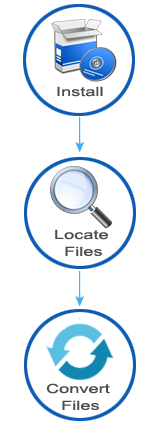
Screenshots of the Software
Have a look on these screenshots to understand the software workings in quick glance.
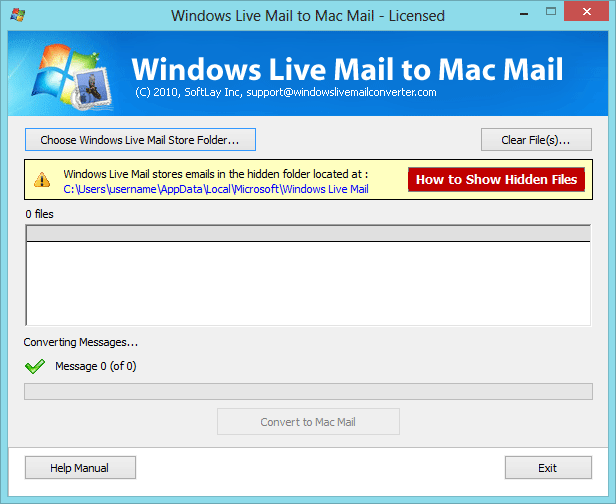
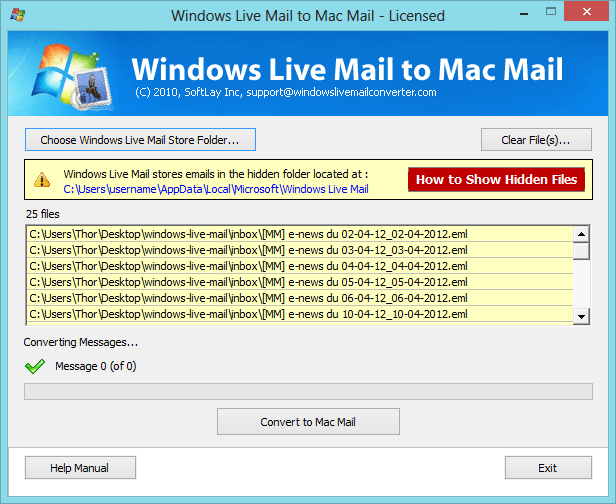
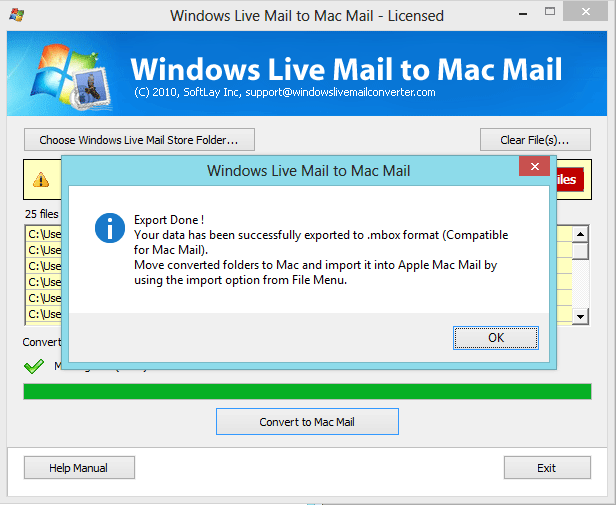
Now you can quickly get all your emails from Windows to Mac using our powerful Windows Mail to Mac Mail converter. A cutting-edge email migration tool to import eml files into Apple Mac Mail. EML to MBOX Converter is also available as a demo version with some limitation using which you can get to know about its user interface and its working. However, To convert unlimited users emails you need to purchase Full version of Windows Live Mail to Mac online.
What Our Clients Has to Say!
What to say about this tool? no other tool can beat this Windows Live Mail to Mac converter in conversion process. Its too fast!
- David Grimes, United States
Access and converting emails from windows live mail to thunderbird is easy with this tool. I love the performance of this software.
— Wil Gorzeman, Netherlands
Finally I found the solution which can perform conversion on my EML files of Lotus Notes and helped me to move all in Mac Mail.
— Francesca Pedrocco, Italy
I have used many other applications to convert my eml to mac mail but all failed but you guys & your tech support both are tremendous, and your software is my favourite now.
— Marcus Abshire, Louisiana, US
